Chart
A Chart is a fundamental component of a Project that defines what SleakOps deploys during a deployment run. Charts in SleakOps are analogous to Helm Charts but are specifically adapted for SleakOps functionality.
Accessing the Chart Configuration
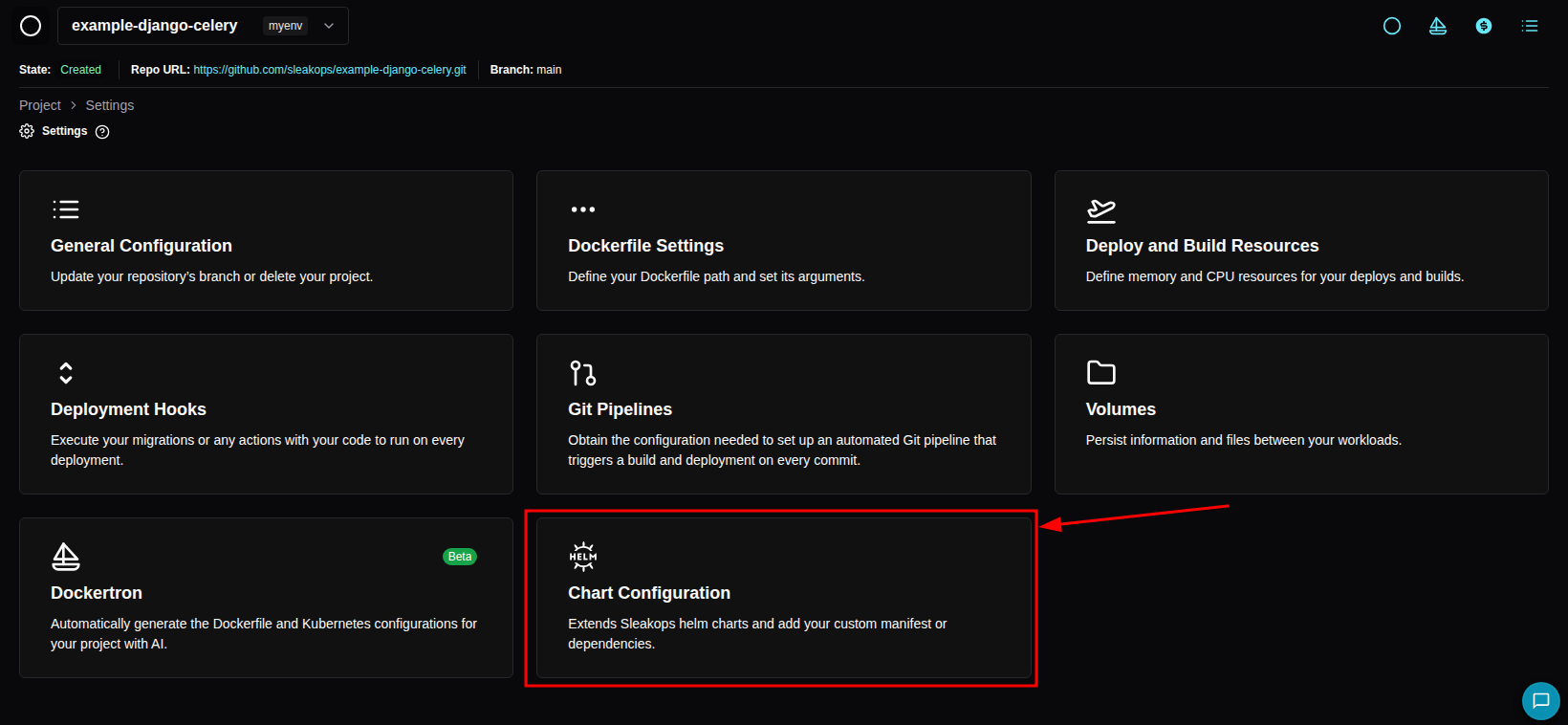
You can find the Chart section by navigating to Project → Settings:
SleakOps uses NodePools to determine where resources are deployed. You must configure the tolerations parameter to target an existing NodePool for all deployed resources.
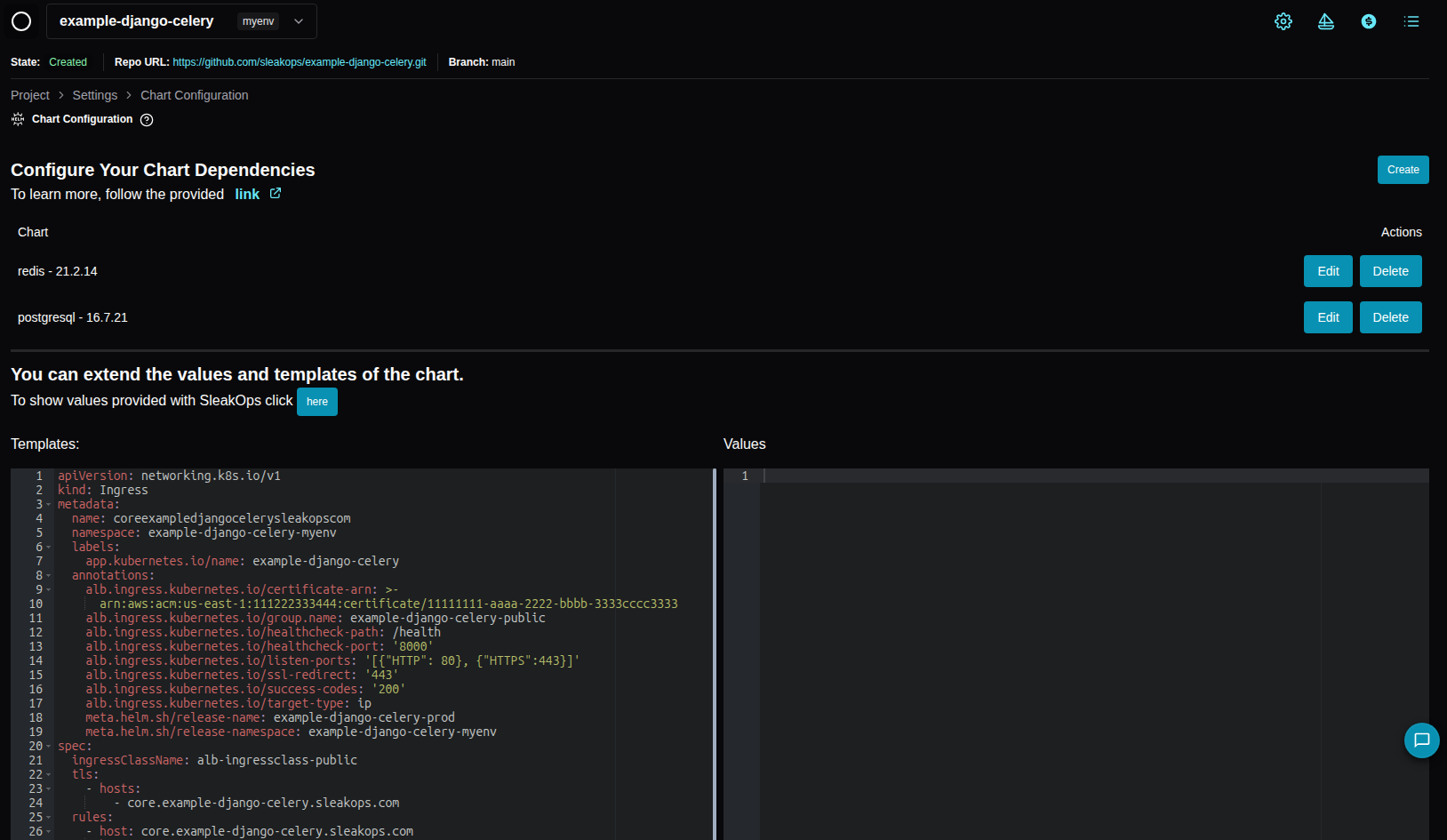
The Chart Configuration page has three sections: Chart Dependencies, Manifests (when Manifests is enabled for your company) and Extends Values, the editor for the project global values.
Default Values
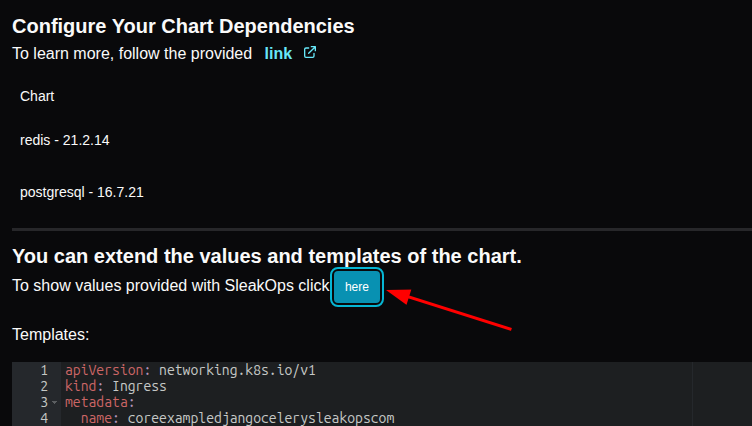
SleakOps automatically applies default values to its Charts. You can view these values by clicking the designated area:
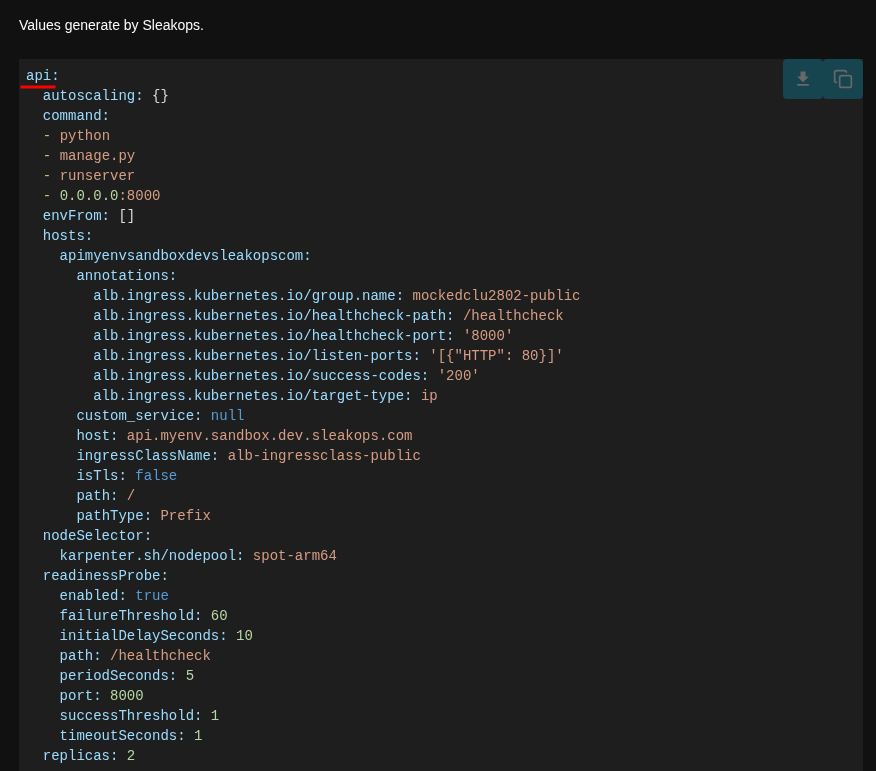
This opens a drawer on the right side displaying the default values for all Project workloads.
Workload-Specific Values
For example, here are the default values for an 'api' WebService:
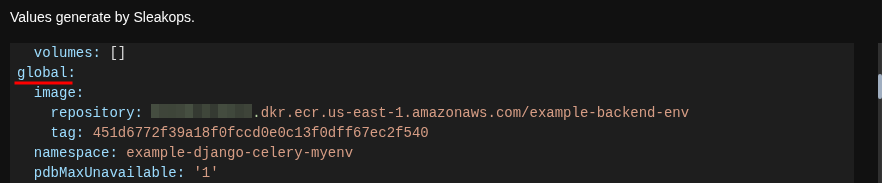
Global Valuess
Values that apply across the entire Project:
Frequently Asked Questions
Where can I find my Project's Chart?
Currently, Charts are not viewable directly in the platform. However, you can download the Chart from the ECR repository created for your Project in the corresponding AWS Account.
Can I modify the Chart deployed by a Project?
Yes. You can:
- Customize or add Manifests per Workload or shared across the Project
- Override Values at the project or workload level
- Add chart dependencies using Chart Dependencies, similar to Helm Chart Dependencies
Can I add a custom Ingress to my Project?
Yes — add it as a manifest from the Workload's Advanced view or the project bucket. See the Manifests documentation. The legacy Extra Templates editor no longer exists: existing Extra Templates were migrated to manifests automatically.