Infrastructure Chat
Infrastructure Chat lets you ask questions about your infrastructure in plain language and get instant answers, diagnostics, and reports — without navigating dashboards or remembering command syntax.
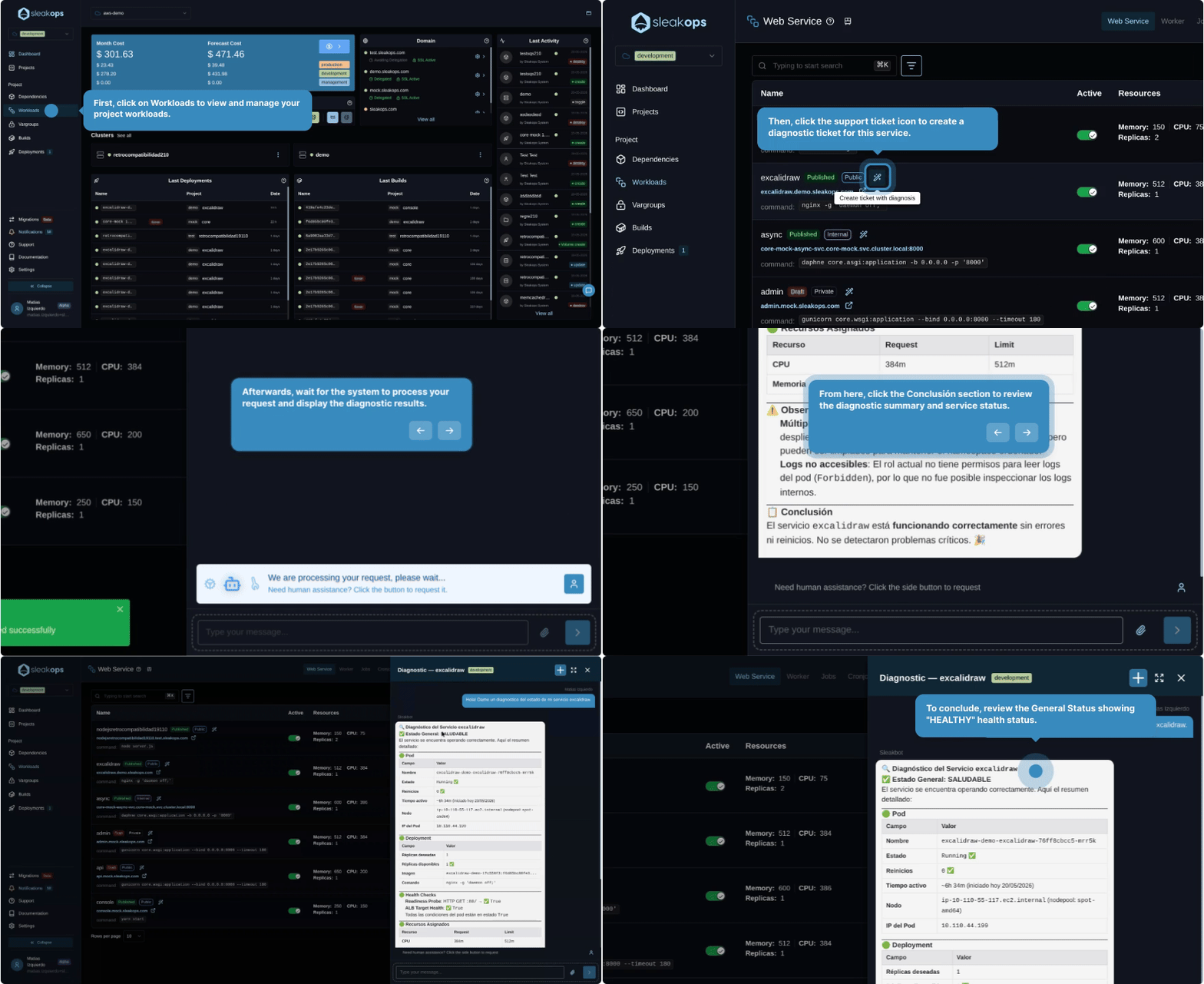
Infrastructure Chat is currently in Alpha. Core functionality is working, but the experience and available capabilities are still being refined.
FAQs
Where do I access Infrastructure Chat?
Infrastructure Chat is available from Support in the main sidebar (/support/). The Support section is a unified interface for both AI-powered conversations and support tickets.
Click Create to start a new conversation with the AI.
What can I ask?
You can ask anything about the resources SleakOps manages:
- "Why did the last deployment fail?"
- "Which services are consuming the most memory right now?"
- "Show me all environment variables for the production environment"
- "What changed in the cluster in the last 24 hours?"
- "Generate a health report for the staging environment"
The AI pulls live data from your SleakOps account to answer, so responses reflect your actual infrastructure state.
How is this different from AI Reports?
AI Reports use pre-defined prompts from a catalog for structured, repeatable analysis. Infrastructure Chat is a free-form conversation — you can ask anything, follow up on previous answers, and dig into details without switching screens.
Think of Reports as structured, reusable summaries and Chat as your always-on infrastructure assistant.
Does the AI take actions on my behalf?
No. Infrastructure Chat is read-only. It retrieves information, generates diagnostics, and makes recommendations, but it does not execute commands or change your infrastructure. All actions remain explicit and require your confirmation through the standard SleakOps workflows.
What context does the AI have?
The AI has access to the infrastructure state visible to your SleakOps user: resources, configurations, logs, events, and deployment history. It does not have access to your application source code or data stored in your dependencies (databases, S3, etc.) — only the infrastructure layer that SleakOps manages.